

SuperBox S6 PRO Wi-Fi6 Streaming Box
$299.00
促销价
$299.00
常规价格
跳至产品信息


SuperBox S6 PRO Wi-Fi6 Streaming Box
The SuperBox S6 PRO is a black Android 12 streaming TV box with 4GB DDR RAM and 32GB storage. Featured with Wi-Fi 6 dual antennas, 1000Mbps Ethernet and Bluetooth 5.2, the SuperBox S6 PRO supports H.265 6K@60fps ultra HD decoding, offering stable buffer-free streaming, gaming and local media playback for daily home entertainment.
$299.00
促销价
$299.00
常规价格
✅ Security and Service
∨
🛡️
Payment Security
🔒
Privacy Protection
🚚
Efficient and Safe Logistics
🎧
Customer Service

SuperBox S6 Pro is your perfect all-in-one home streaming companion. Upgraded hardware and software deliver 71% faster, more stable performance than older versions. Just plug into your TV via HDMI and link WiFi to enjoy endless smooth TV shows, films and series. It also comes with round-the-clock technical support for worry-free entertainment, alongside handy built-in perks including time shift playback, smart voice command, customizable parental controls, sleek new UI and Android 12 OS with 4GB+32GB memory.
Core Features
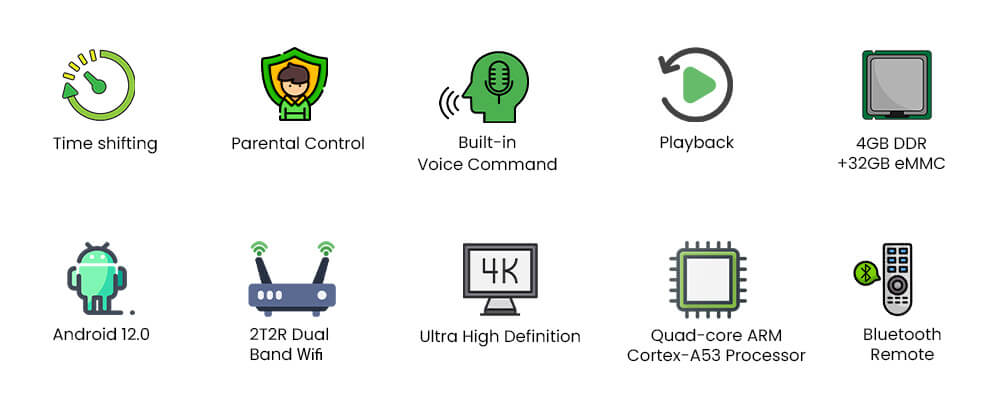
Time Shift

The standout feature of SuperBox S6 Pro lets you rewind live TV for up to 8 hours. Pause, replay and catch every highlight whenever you miss live shows.
Parental Control
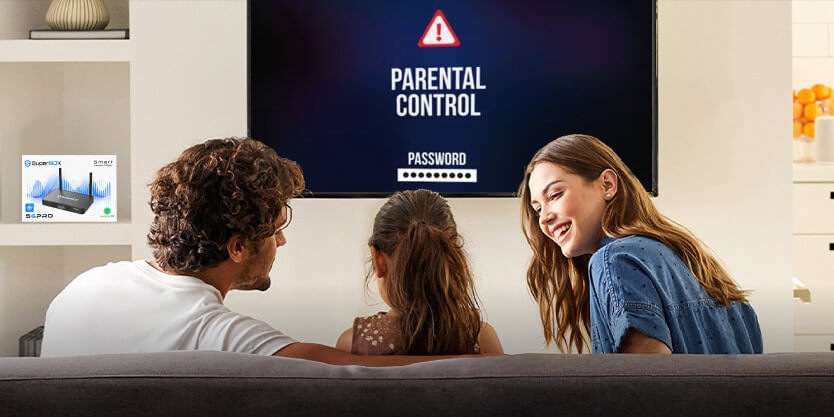
Lock specific channels effortlessly to filter inappropriate content, delivering safer, age-appropriate streaming for the whole family.
Latest Voice Control Technology
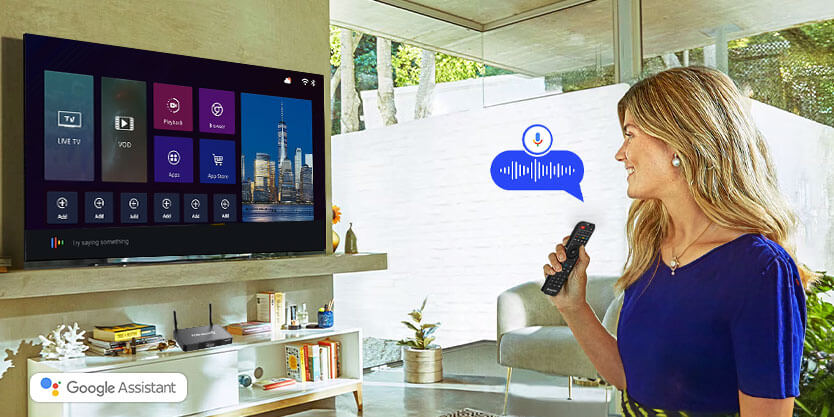
Equipped with a Bluetooth voice remote, SuperBox S6 Pro supports instant voice search. Simply speak to pull up live TV, movies and shows, delivering smoother, hands-free streaming control.
Ports Configuration
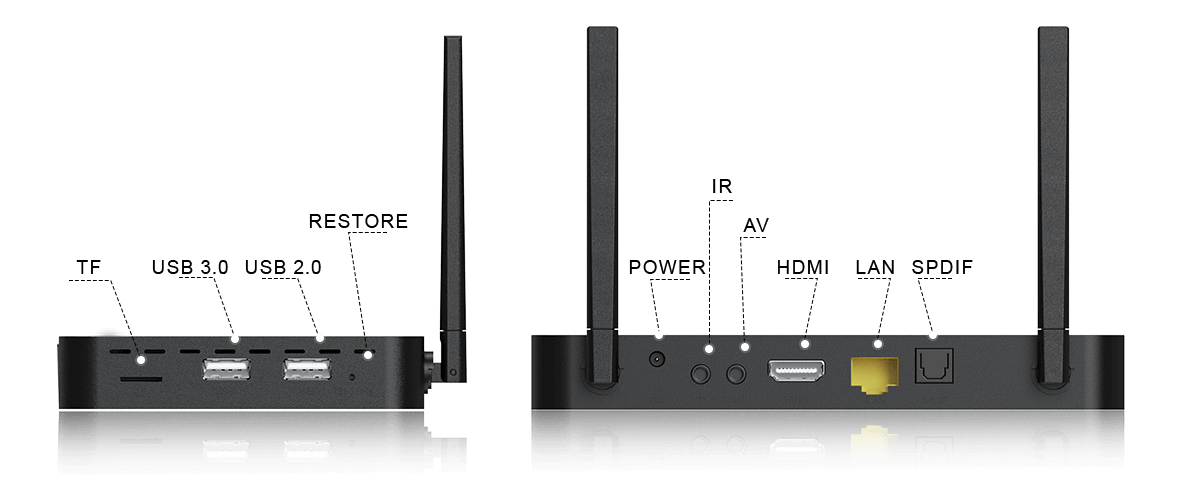
SuperBox S6 Pro Specifications
| Specification | Details |
|---|---|
| Model | SuperBox S6 Pro |
| Operating System | Android 12.0 |
| Processor | Quad-core ARM Cortex-A53 |
| GPU | Mali-G31 MP2 |
| RAM | 4GB DDR |
| Storage | 32GB eMMC |
| WiFi | Dual Band, WiFi-6 Supported |
| Ethernet | 1000Mbps Ethernet |
| Video Decoder | H.265 6K@60fps |
| Power Supply | DC 5V/2A |
| Bluetooth | 5.2 |
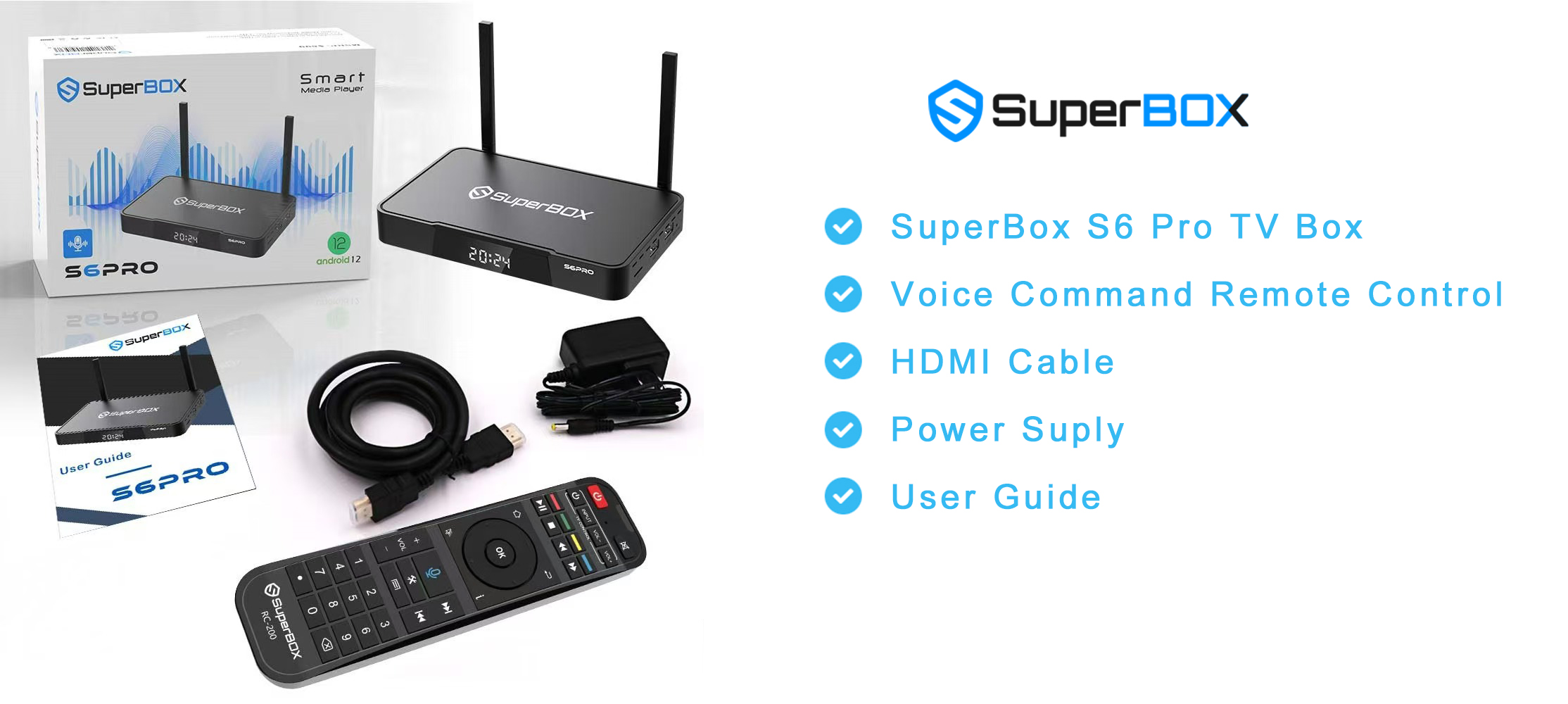
What's In The Package
-
SuperBox S6 Pro TV Box
-
Voice Command Remote Control
-
HDMI Cable
-
Power Supply Cable
-
User Guide
How to Set Up a SuperBox S6 Pro in Minutes
If you're looking for a powerful yet easy-to-use media streaming device, the SuperBox S6 Pro is the answer. With the SuperBox Android TV platform, you can enjoy thousands of live TV channels, movies, sports, and more — no cable subscription required. Use voice control to navigate effortlessly and access over 500,000 apps on the Google Play Store.
All you need is an internet connection and a TV with an HDMI port. Follow these simple steps to get started:
Step 1: Get Connected
-
Insert the power adapter into both the wall outlet and the SuperBox S6 Pro.
-
Connect the HDMI cable from the box to your TV.
Step 2: Power On
-
Turn on your TV and select the correct HDMI input source.
-
Press the power button on the box or the remote to turn on your SuperBox S6 Pro.
Step 3: Set-Up Guide
-
Select the display scale that fits your screen.
-
Follow the on-screen instructions to connect via Wi-Fi or Ethernet.
Step 4: Premium Apps
-
Navigate to Apps and open the App Store.
-
Install your preferred premium apps.
-
Launch the newly installed apps and download the content catalog.


